
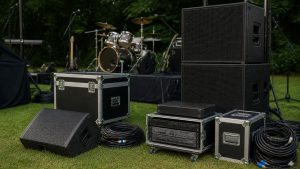
Quick Summary
Event sound equipment fails at the worst moments, so plan for it before load-in. List every point where audio can fail, including power, the mixer, speakers, microphones and cables, and decide your fallback for each. Pack spare mics, batteries, cables and a second music source first.
- Identify single points of failure in your signal chain before the event.
- Confirm who owns each piece of gear and who fixes it.
- Pack spare wireless microphones and batteries first.
- Carry backup cables, XLR adapters and a second playback source.
- Add extra power strips and surge protection to your checklist.
Table of Contents
- Build an Event Audio Contingency Plan Before Load-In
- Prepare a Live Sound Equipment Checklist by Priority
- Book Your Event Sound Setup With The R Factor
- Frequently Asked Questions
Build an Event Audio Contingency Plan Before Load-In
Last Updated: November 2, 2026
Event sound equipment fails at the worst possible moment, usually during the first dance or the keynote. Backup plans for event sound equipment keep the show running when a mic dies or a cable shorts out.
Start by listing every point where your audio can fail. Think about power, the mixer, speakers, microphones, and cables. Then decide what you will do if each one goes down.
- Identify single points of failure in your signal chain
- Confirm who owns each piece of gear and who fixes it
- Write down the fallback for each failure
Prepare a Live Sound Equipment Checklist by Priority
A good checklist ranks gear by how badly the event suffers without it. Pack the items that stop the show first.
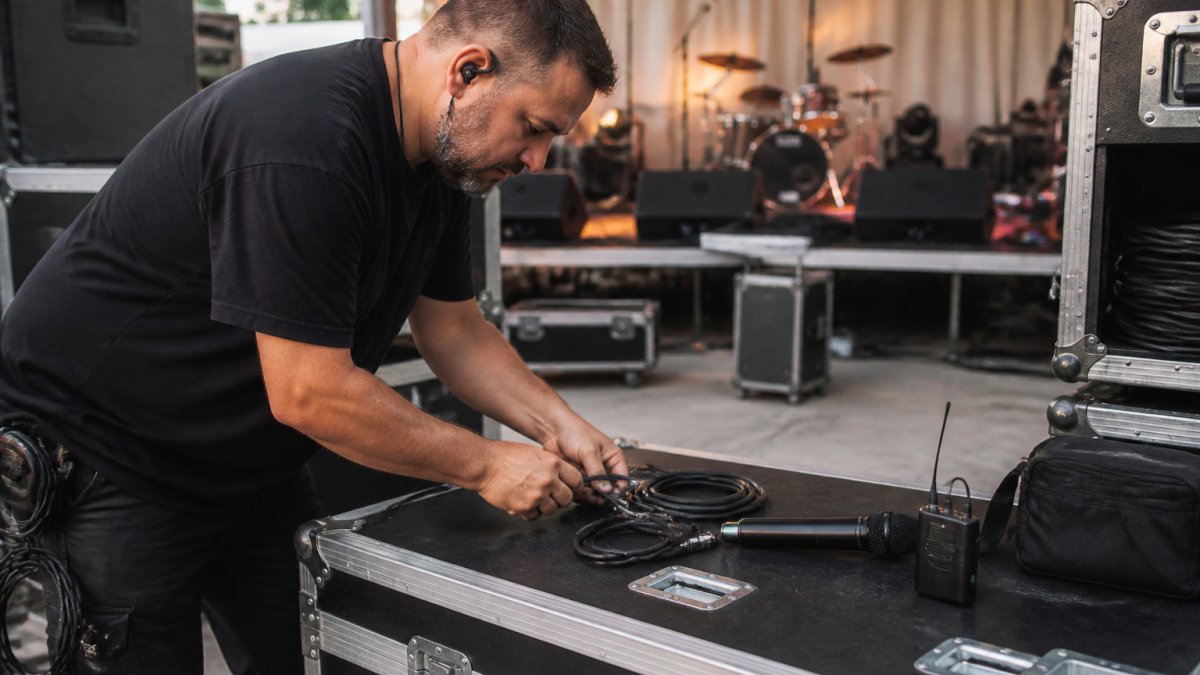
- Spare wireless microphones and batteries
- Backup cables and XLR adapters
- A second playback source for music
- Extra power strips and surge protection
The checklist below ranks the gear that most often keeps a show running when something fails.
| Item | Why it matters | Note |
|---|---|---|
| Spare wireless microphones and batteries | Keeps speakers and performers heard if a mic dies | Pack the items that stop the show first |
| Backup cables and XLR adapters | Restores the signal path when a cable shorts | Ranked by how badly the event suffers without it |
| A second playback source for music | Keeps music going if the main source fails | Covers the first dance or keynote |
| Extra power strips and surge protection | Protects gear and keeps the rig powered | Power is the first point of failure to check |
Book Your Event Sound Setup With The R Factor
The R Factor provides sound, lights, and road crew as part of its full-service production. Contact The R Factor on its website for current pricing and to talk through your event’s needs.
Frequently Asked Questions
What should an event sound equipment backup plan include?
A solid backup plan covers the parts that fail most often: a spare wireless microphone with fresh batteries, a wired microphone as a fallback, extra XLR and TRS cables, a backup power supply or power strip, and a second playback source such as a laptop with audio files loaded. List each item, note where it is stored, and confirm it works during pre-event testing. Keep the plan short enough that the person running sound can follow it under pressure.
How do you test backup sound equipment before an event?
Run every backup item through the same signal path your main system uses. Connect the spare microphone to the mixer, check levels, and confirm the playback laptop sends audio through the same channel. Swap batteries, test each cable, and listen from the audience area. Doing this during load-in gives you time to fix a problem instead of discovering it when the program starts.

Recent Comments